Available Across Victoria – Contact Us Now!

Available Across Victoria – Contact Us Now!
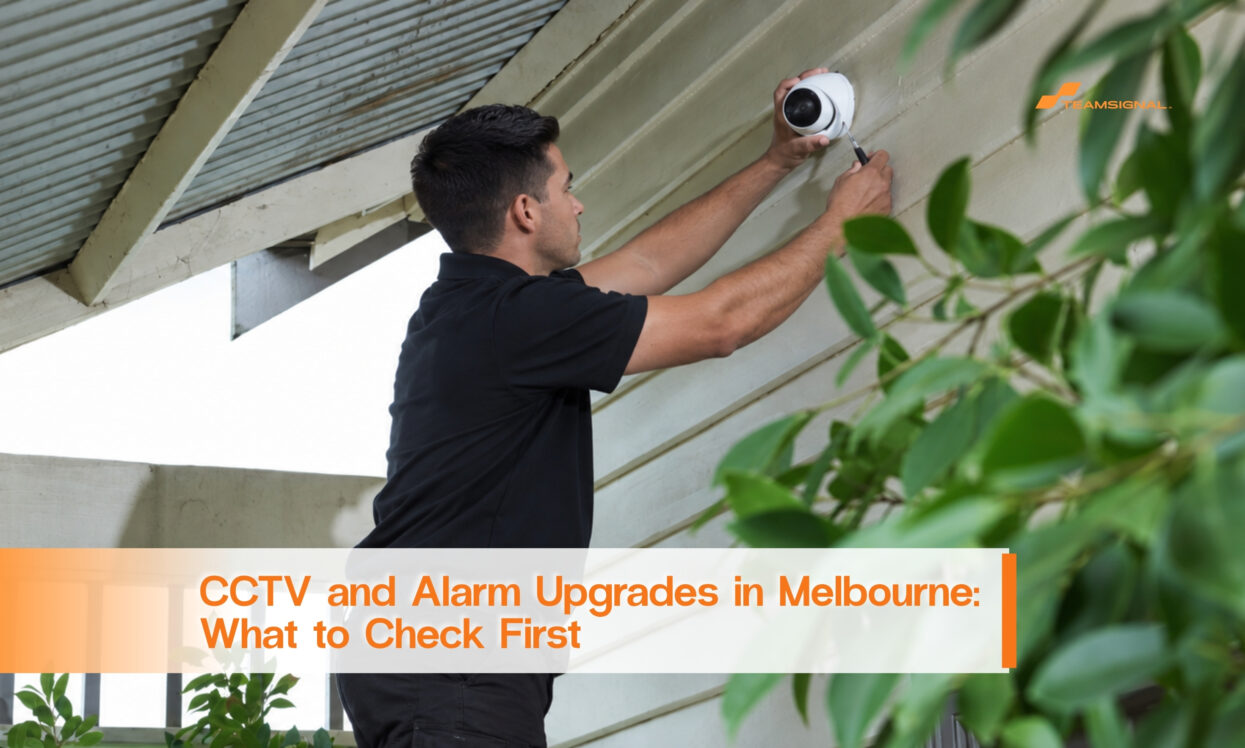
The camera still works. It just watches the wrong thing.
A Mill Park distribution site had cameras from the original fit-out. The building had one entrance back then. It has two loading bays now. The cameras still ran fine. They pointed at a wall nobody used. They missed the new bay completely. Nobody noticed. A working camera looks the same whether it covers something or nothing.
That gap is common. TeamSignal Security is a full service security provider in Australia. CCTV and alarm assessments are one of our most requested checks. Most people ask once they finally wonder if the system still matches the site.
A camera can run for years without a fault. It can still point at the wrong spot the whole time. Sites change. A new bay opens. Stock moves to a different area. A fence line shifts. The camera never learns any of that. Nobody told it to.
Alarm sensors have the same problem. A sensor covers an empty storeroom well. Then that storeroom becomes a walk-through to a new area. The sensor still works. The layout moved on without it.
Unmonitored CCTV records continuously. Someone reviews it after an incident is reported. Monitored CCTV is actively watched, or linked to a real-time alert. A response can start while something is happening, not after. Many owners assume their system is monitored because it runs all the time. Running constantly and being watched constantly are different things. That difference changes what the system can actually do for you.
Ask directly which one you have. If nobody can answer clearly, treat that as an answer too.
A proper assessment looks at the site as it is now. Not as it was when the system went in. At minimum, it should cover:
None of this needs guessing. A walk-through against a current site plan answers most of it in under an hour.
An upgrade usually fits when the core system still works. It just no longer matches the site. A few added cameras. Repositioned sensors. A shift from unmonitored to monitored coverage.
A new install fits better in two cases. First, when the equipment is old enough that parts are hard to find. Second, when the site has changed so much that patching the old layout costs more than starting clean.
Either way, get the assessment first. A provider who quotes a full replacement without walking the site is quoting a guess.
The Mill Park site did not need a bigger system. It needed someone to notice the camera was aimed at a wall. That is usually the real problem. Not too little equipment. Equipment nobody has checked against the site it is meant to cover.
Want a straight answer on your own setup? Our team can walk it and tell you plainly. See our CCTV and alarm systems, or start with an obligation-free quote if you already know what you need.
Check whether your site layout has changed since installation. New entry points, moved storage, an added bay, these are the clearest signs. A working camera pointed at the wrong spot will not show a fault. It just will not show what you need.
Unmonitored CCTV records continuously. It gets reviewed after an incident is reported. Monitored CCTV is actively watched, or linked to a real-time alert. A response can begin while something is happening. Running constantly is not the same as being watched constantly. Confirm directly which one your system is.
It depends on the gap. If the core equipment still works, an upgrade usually makes sense. If parts are hard to source, or the site has changed substantially, a new install may cost less overall. A site walk-through before quoting is the only reliable way to tell.
A walk-through against your current site plan. Camera angles checked against current entry points and storage. Blind spots identified. Confirmation of whether footage is monitored or only recorded. Alarm sensor placement reviewed against how the site is used today.
TeamSignal Security, CCTV and Alarm Systems service description.



 1300 893 606